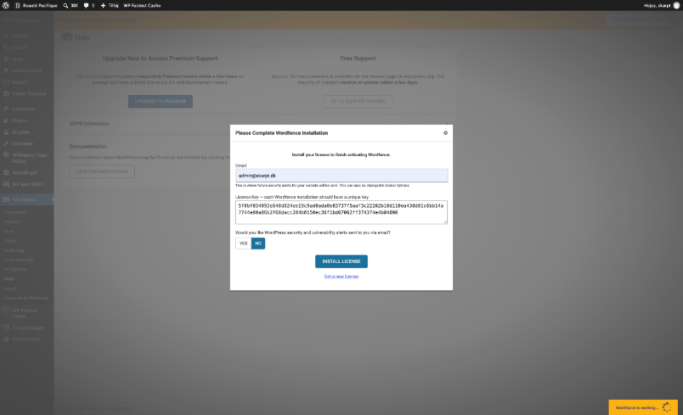

Trin 1
Klik på Tilføj plugin.
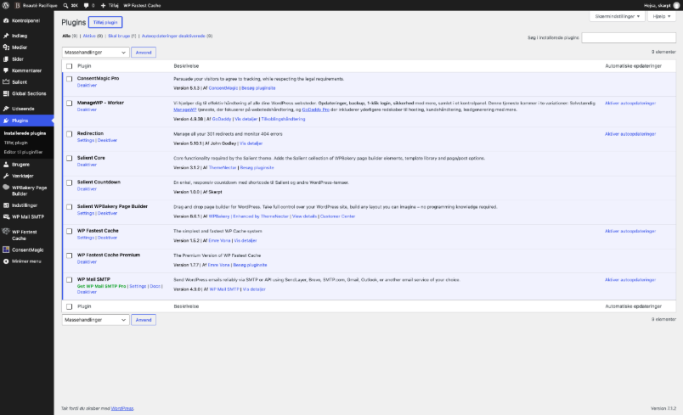
Trin 2
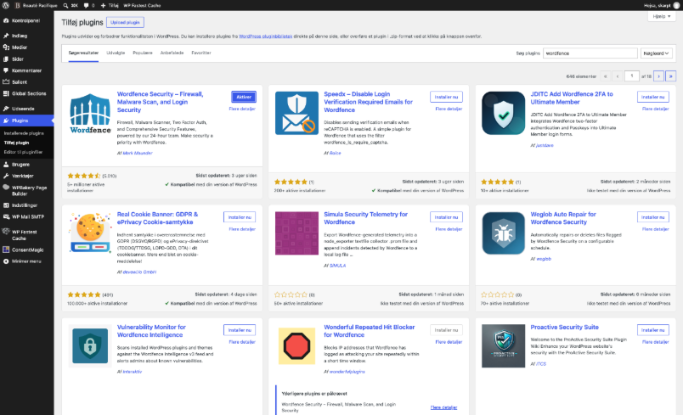
Klik på Søg plugins. Søg efter "Wordfence".
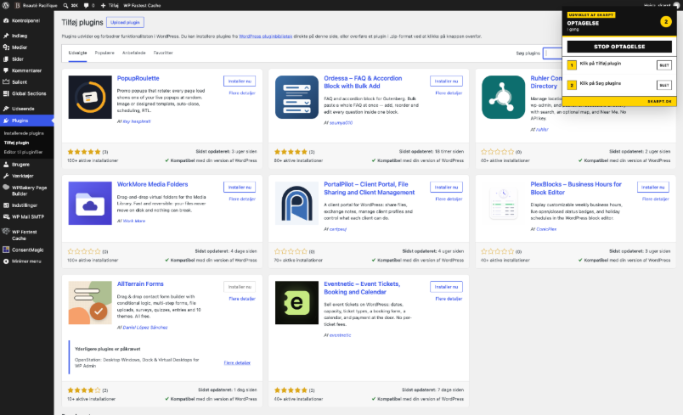
Trin 3
Klik på "Installer" Wordfence Security – Firewall, Malware Scan, and Login Security.
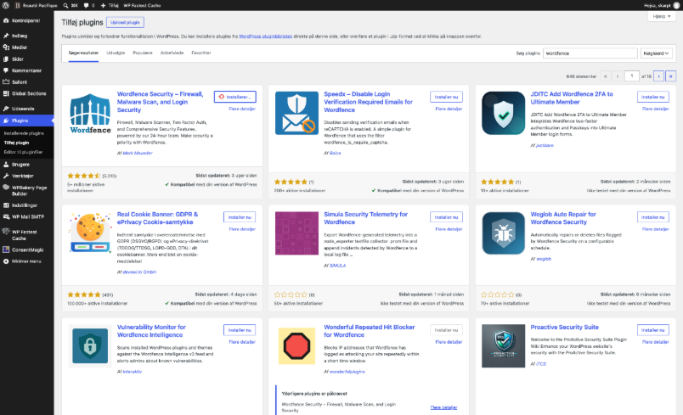
Trin 4
Klik på "Aktiver".
Trin 5
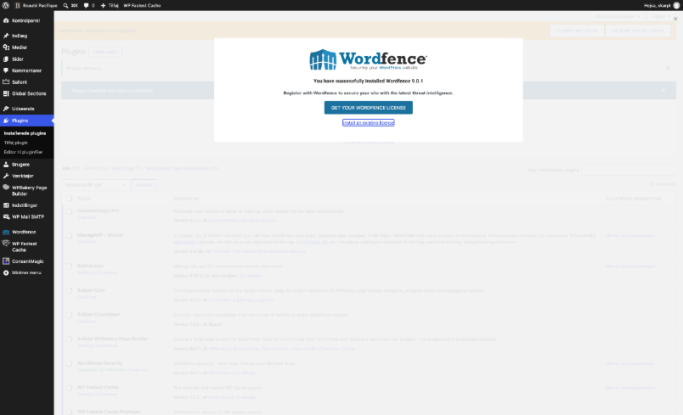
Klik på Install an existing license.
Trin 6
Klik på Get a new license.
Trin 7
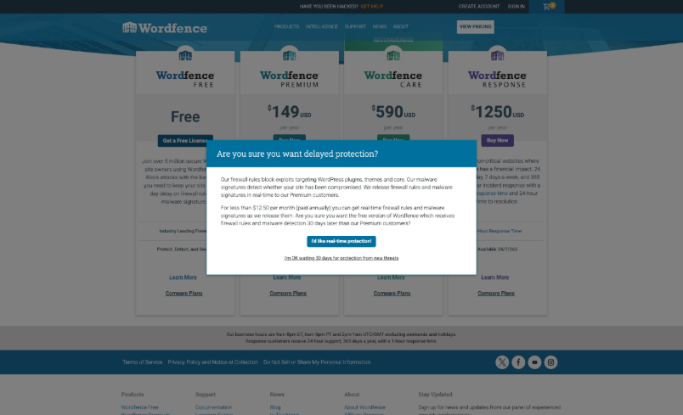
Klik på Get a Free License.
Trin 8
Klik på I'm OK waiting 30 days for protection from new threats.
Trin 9
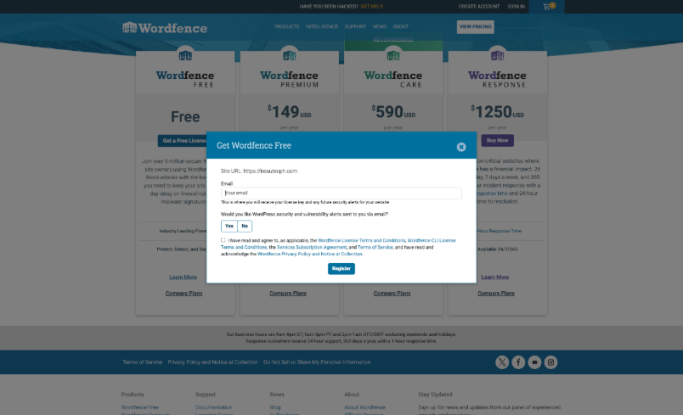
Klik på No.
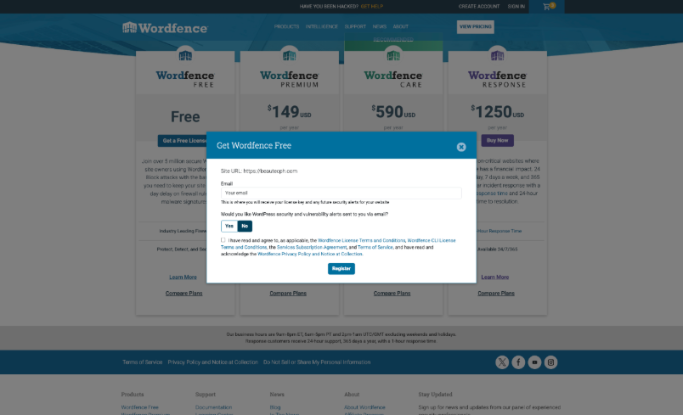
Trin 10
Sæt flueben i terms and agreement checkbox.
Trin 11
Udfyld mail med admin@skarpt.dk
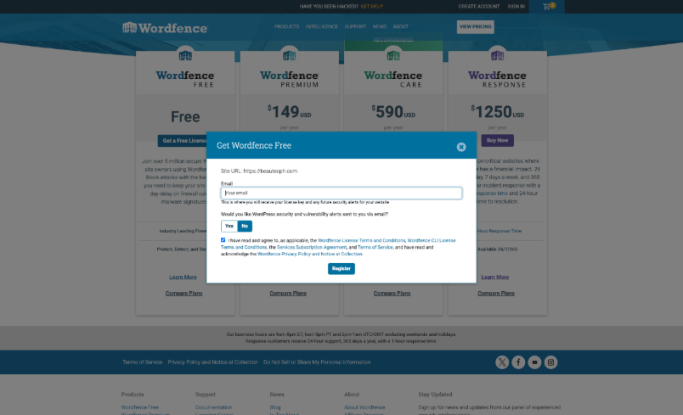
Trin 12
Klik på Register.
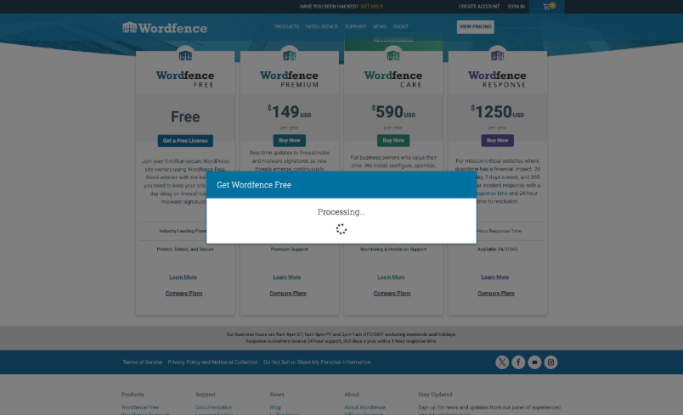
Trin 13
Klik på "Can't find the email?".
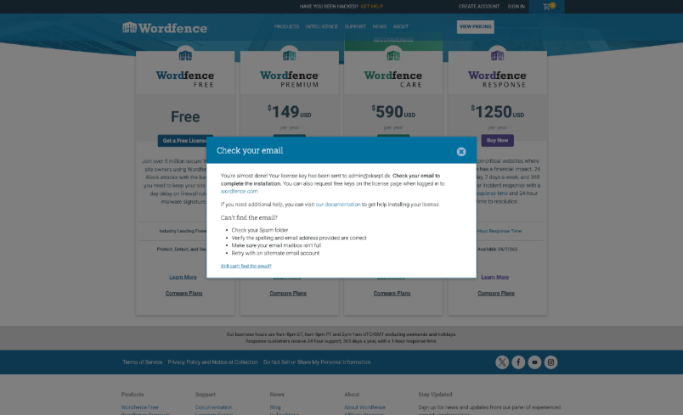
Trin 14
Klik på "Still can't find the email?".
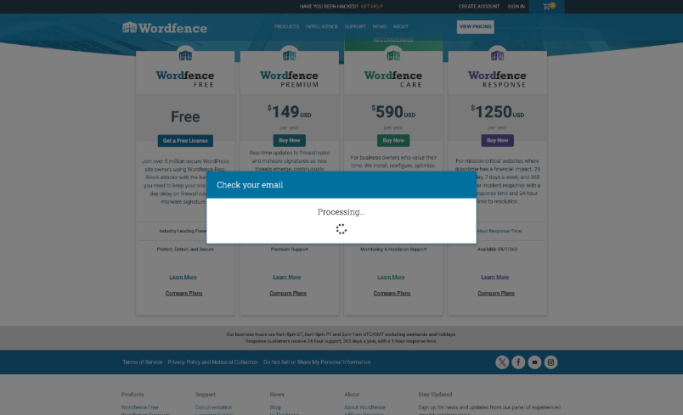
Trin 15
Klik på "Copy License".
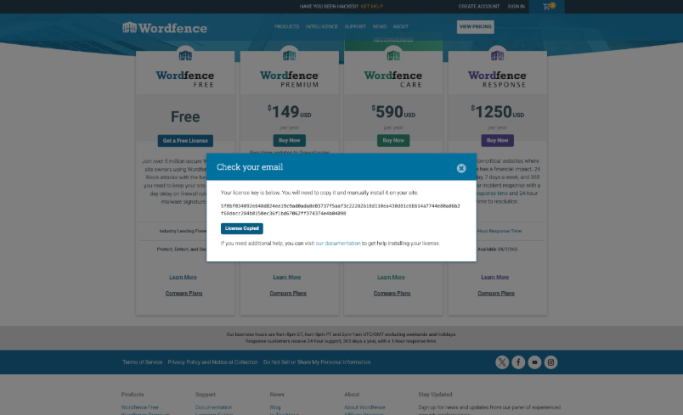
Trin 16
Udfyld Email med admin@skarpt.dk.
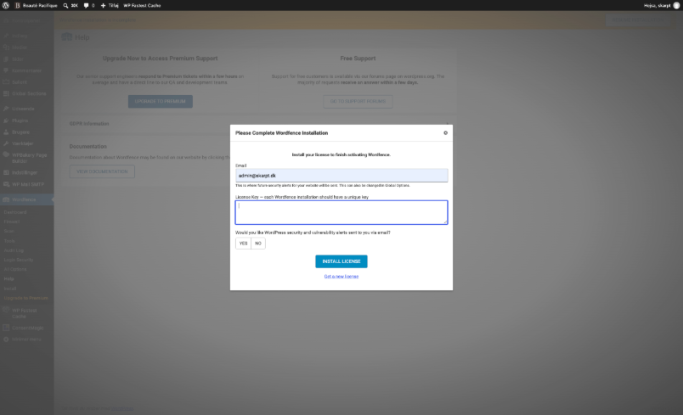
Trin 17
Indsæt License Key fra trin 15.
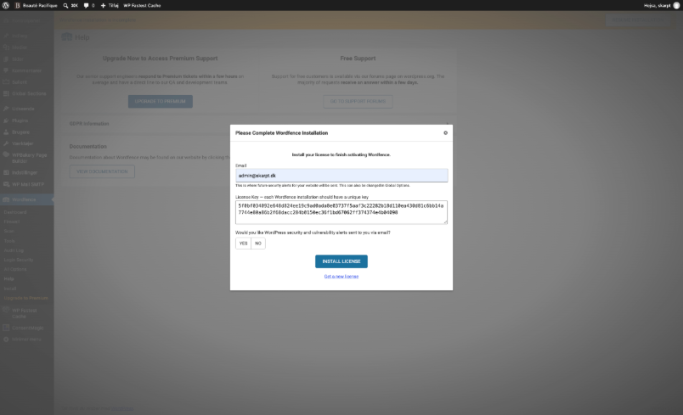
Trin 18
Klik på "No".
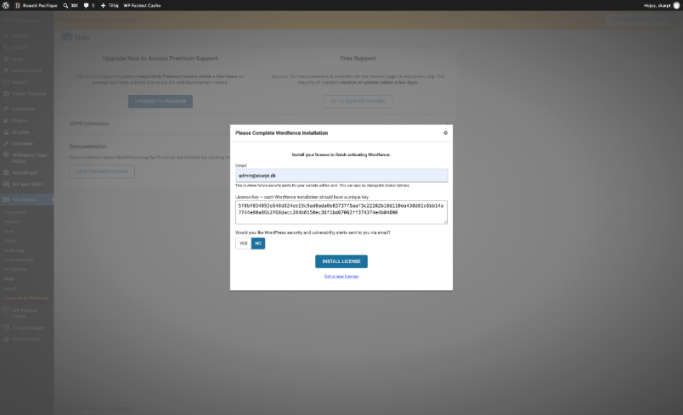
Trin 19
Klik på "Install License".